


DUO Setup Guide
Follow the steps below to set up DUO two-factor authentication for your CMC account.
Shared Setup Steps (Required for All Methods)
-
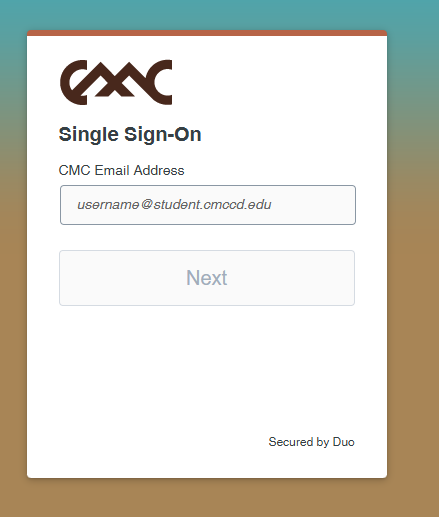
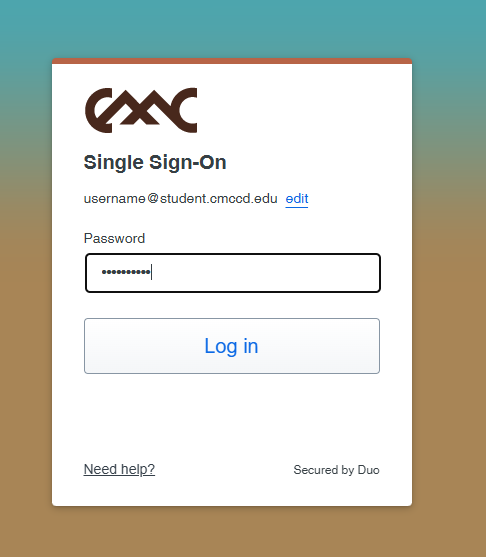
Step 1: Log in to the CMC portal and select DUO Setup.
-
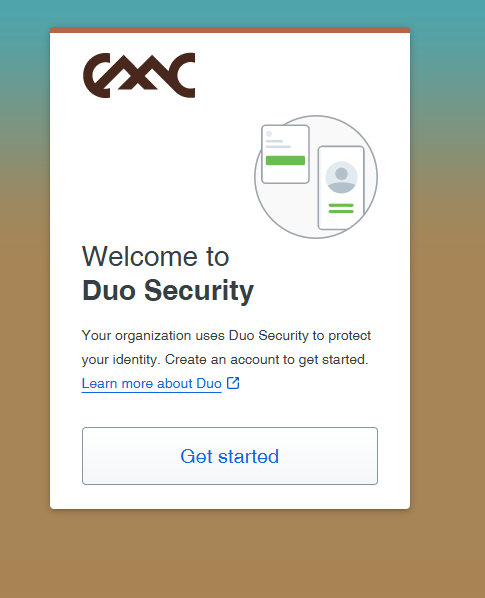
Step 2: Begin device enrollment.
-
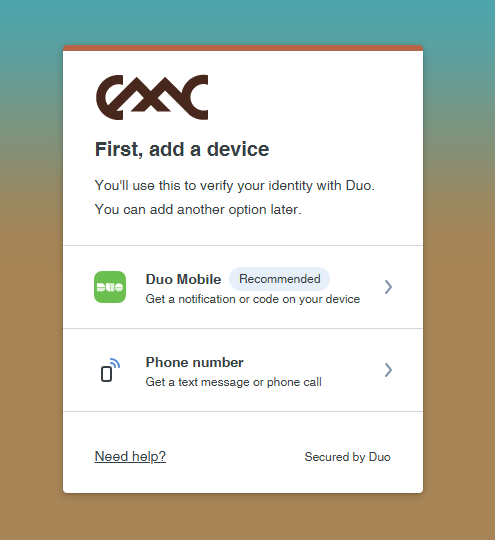
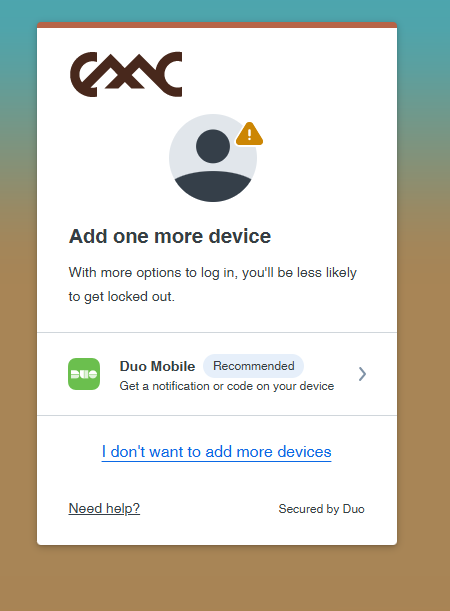
Step 3: Choose your device type (Mobile Phone).
Option A: Setup with the DUO Mobile App (Recommended)
-
Step 4: Download the DUO Mobile app:
App Store (iPhone) Google Play (Android)
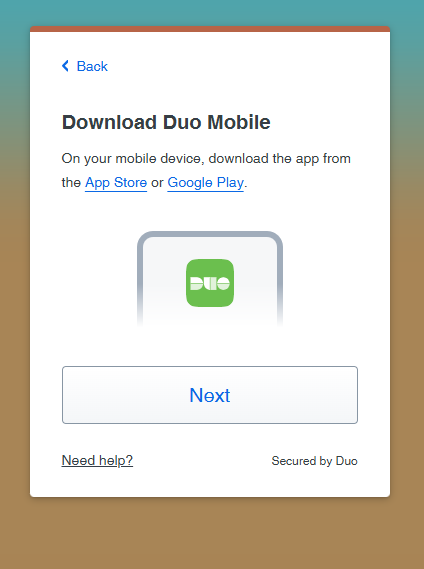
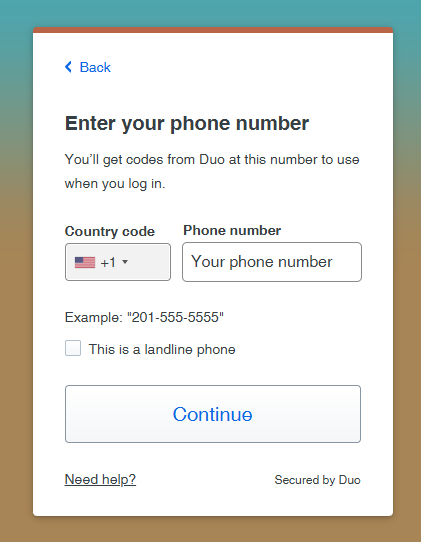
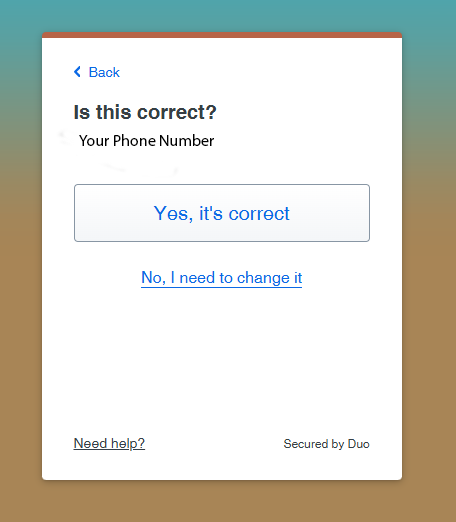
-
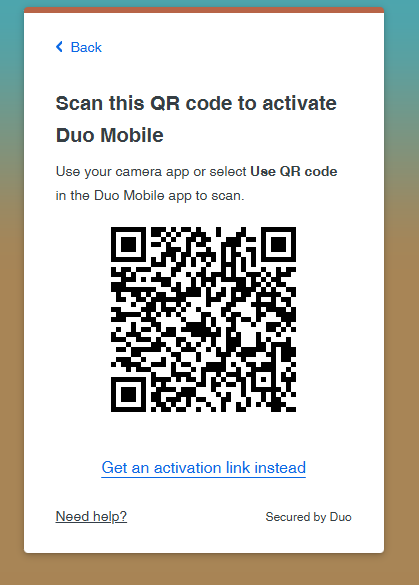
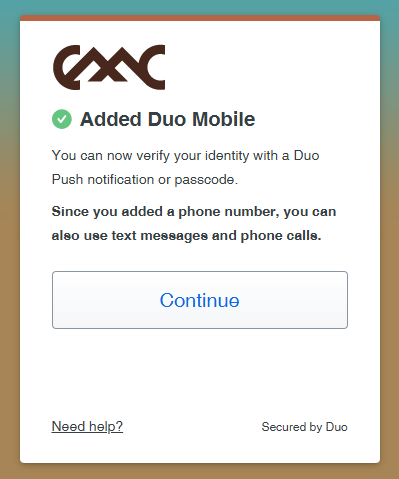
Step 5: Scan the QR code shown on your computer screen using the DUO Mobile app.
-
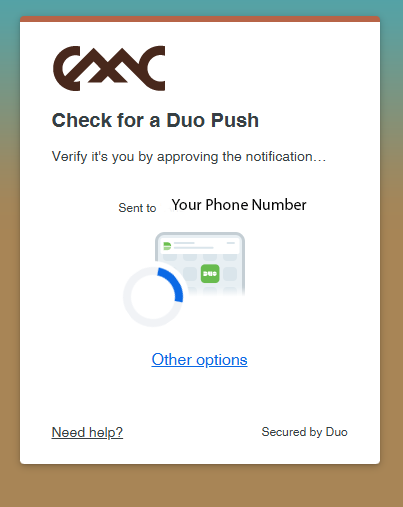
Step 6: Approve the test notification.
-
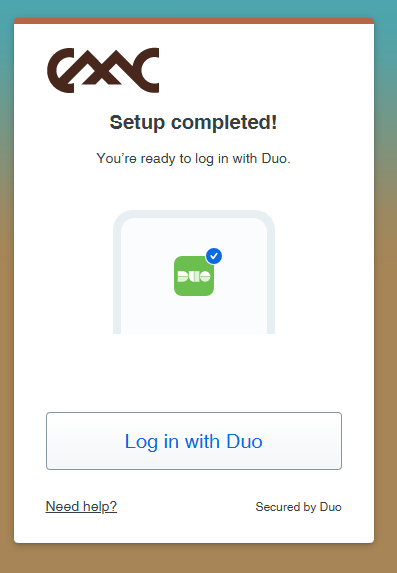
Step 7: Log in! Setup is complete.
✅ Recommended: The DUO Mobile app is the fastest and most secure method.
Option B: Setup with Phone Call or Text
-
Step 4: Enter your phone number into the enrollment screen.
-
Step 5: Choose your preferred method:
- Text messages (SMS): DUO will send a code you must enter.
- Phone call: DUO will call you and prompt you to press a key.
-
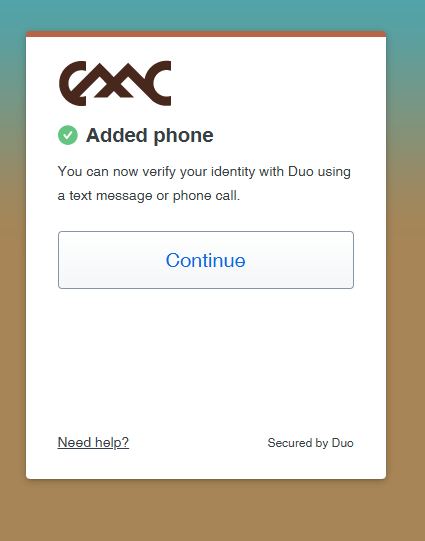
Step 6: Complete the test verification.

-
Step 7: Log in! Setup is complete.
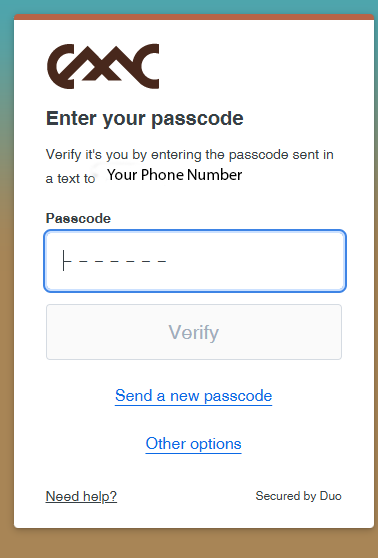
ℹ️ Use this method if you cannot install the DUO Mobile app. on your device
Option C: RSA Token (Special Request)
CMC also supports hardware RSA tokens for users who cannot use the DUO Mobile app or phone/text verification.
To request an RSA token, please submit a request through the IT Service Desk Portal . You will need to:
- Sign a form acknowledging responsibility for the device.
- Understand that you are responsible for the RSA token while it is issued to you.
- If the token is lost, damaged, or broken, you may be required to pay for a replacement.
⚠️ RSA tokens are issued only when necessary and require approval from IT.